
Hamburger Menu vs Visible Navigation: What Actually Works
When to hide your navigation and when to show it. We break down the research and show you what matters for your specific audience.
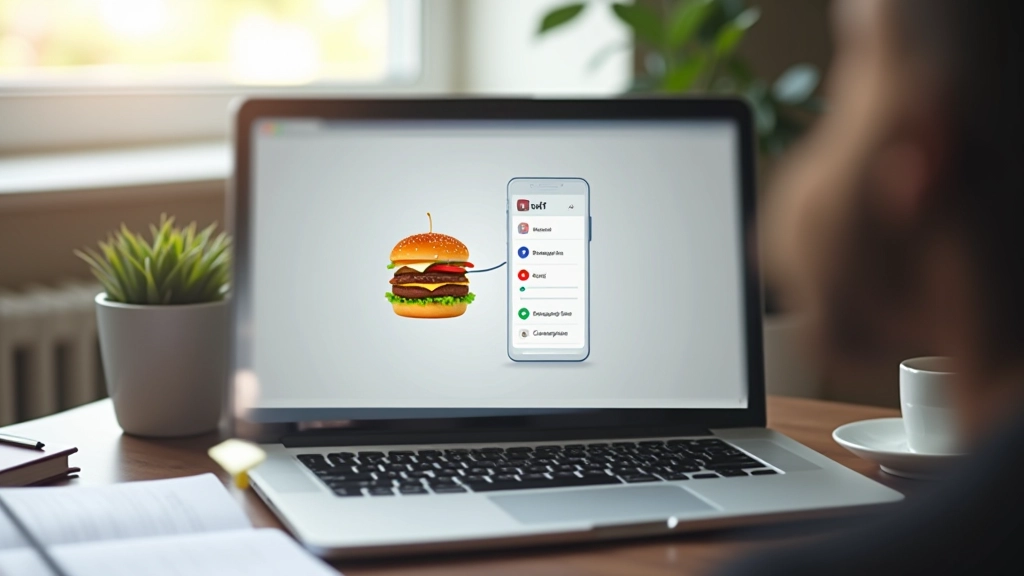
The Navigation Question Everyone Gets Wrong
You’ve probably heard both arguments. Hide your menu behind a hamburger icon on mobile, keep it visible on desktop. Or always show navigation because users need quick access. But here’s the thing — neither answer works for everyone.
The choice depends on what you’re actually trying to accomplish. Your audience. Your content. Your specific business goals. We’re going to cut through the debate and show you what the data actually says, plus how to decide for your own situation.
“The best navigation is the one your users don’t have to think about.”
— Navigation design principle
Hamburger Menus: When They Actually Win
Let’s start with what hamburger menus do well. They’re not just a mobile compromise — they’re a legitimate design choice for specific situations.
The Real Advantages
- Saves 40-50% of horizontal screen space on mobile devices
- Creates a consistent navigation experience across all devices when implemented properly
- Works well for apps and websites with 8+ navigation items
- Reduces cognitive load when users focus on content first
- Gives you flexibility to reorganize menus for different breakpoints
Studies from Nielsen Norman Group show that hamburger menus don’t harm discoverability if the icon is recognizable and the menu is easy to open. The key issue? Many implementations hide important navigation that users actually need.

Visible Navigation: The Speed and Clarity Advantage
Always-visible navigation isn’t just better for some sites — it’s often essential. Users don’t have to hunt for it. They know exactly what they can do on your site.

Why Visible Navigation Wins
- Users find what they need 35% faster than with hidden menus
- Increases navigation clicks and site exploration significantly
- Establishes site structure and information hierarchy immediately
- Reduces bounce rates on first visit when navigation is clear
- Better for sites with 3-7 main categories that fit comfortably
The data is clear: visible navigation reduces friction. You’re not hiding anything from your users. They see exactly what you offer, and they make decisions faster. That’s powerful.
How to Actually Decide for Your Site
Forget the blanket advice. Your choice should depend on these specific factors.
Count Your Menu Items
3-5 items? Visible works great. 8+ items? Hamburger makes sense. 6-7? You can go either way — test with your users.
Analyze Your Traffic Source
70%+ mobile traffic? Hamburger might save you space. Desktop-dominant audience? Visible navigation keeps people engaged longer.
Consider Your Content Type
E-commerce sites need visible categories. Blogs work fine with hamburger. SaaS platforms? Visible navigation increases feature discovery by 40%.
Check Your Mobile Behavior
Do users bounce immediately, or do they explore? High bounce rate might mean your mobile navigation is hard to find.
The real answer? Hybrid approaches work best. Visible navigation on desktop, hamburger on mobile. Or use a sticky header that reveals navigation when users need it. Test both with real users. Measure click patterns. Adjust based on actual behavior, not theory.
Implementation That Actually Works
Choosing isn’t enough. You’ve got to execute it properly or neither approach will help you.
Key Implementation Rules
If you’re using a hamburger menu, make it obvious. The icon needs to be in a consistent location — top-right is standard. Use the recognizable three-line hamburger icon. Don’t get creative with unclear icons.
When it opens, the menu should slide in smoothly and cover enough of the screen so users aren’t distracted by background content. Animation matters here. A 200-300ms transition feels responsive. Slower than that and users think it’s broken.
For visible navigation, keep it simple. Six items max before you’re asking users to process too much. Use clear labels. Test on actual mobile devices — what fits on your desktop preview might overflow on a real phone.

The Real Takeaway
There’s no universal winner between hamburger menus and visible navigation. What matters is matching your choice to your users’ actual needs. A hamburger menu hides complexity and saves space — but only if your users know to look for it. Visible navigation builds confidence and speeds up discovery — but only if your menu isn’t overwhelming.
The best approach? Don’t choose. Use visible navigation on desktop where you’ve got the space, and hamburger on mobile where screen real estate is precious. Monitor your analytics. Watch where users click. See what actually works for your audience, not what some design trend says you should do.
Next Steps
Test both approaches with your users. Set up A/B testing. Measure engagement. See which navigation pattern actually drives the behavior you want. That’s how you move from theory to real results.
About This Article
This article presents research-based guidance on navigation design patterns. Design decisions should always be validated through user testing specific to your audience, industry, and goals. Navigation patterns that work for one site may not work for another. User behavior, traffic sources, and content type all influence what’s optimal. Always test your navigation with real users and monitor analytics to ensure your choices support your business objectives.
Related Articles

Mega Menus: Organizing Complex Content Architecture
How to design mega menus that don’t overwhelm users. Covers layout patterns, hover behavior, and when mega menus actually improve navigation.
Read More
Breadcrumb Trails: Wayfinding That Actually Helps
Breadcrumbs aren’t just decorative. Learn when they’re essential, how to structure them, and why they improve navigation clarity.
Read More
Sticky Headers: Balancing Access and Screen Real Estate
Sticky headers keep navigation accessible, but they consume valuable space. We explore when they help and when they hurt user experience.
Read More